Beta
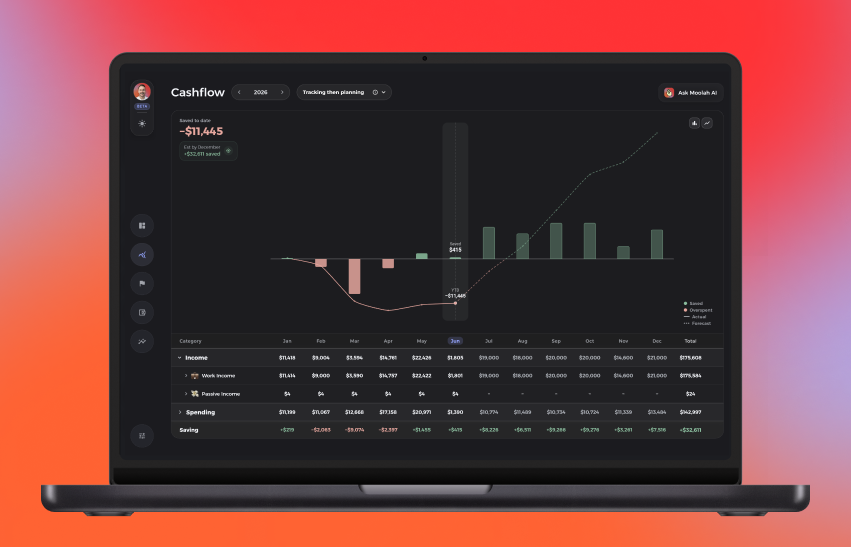
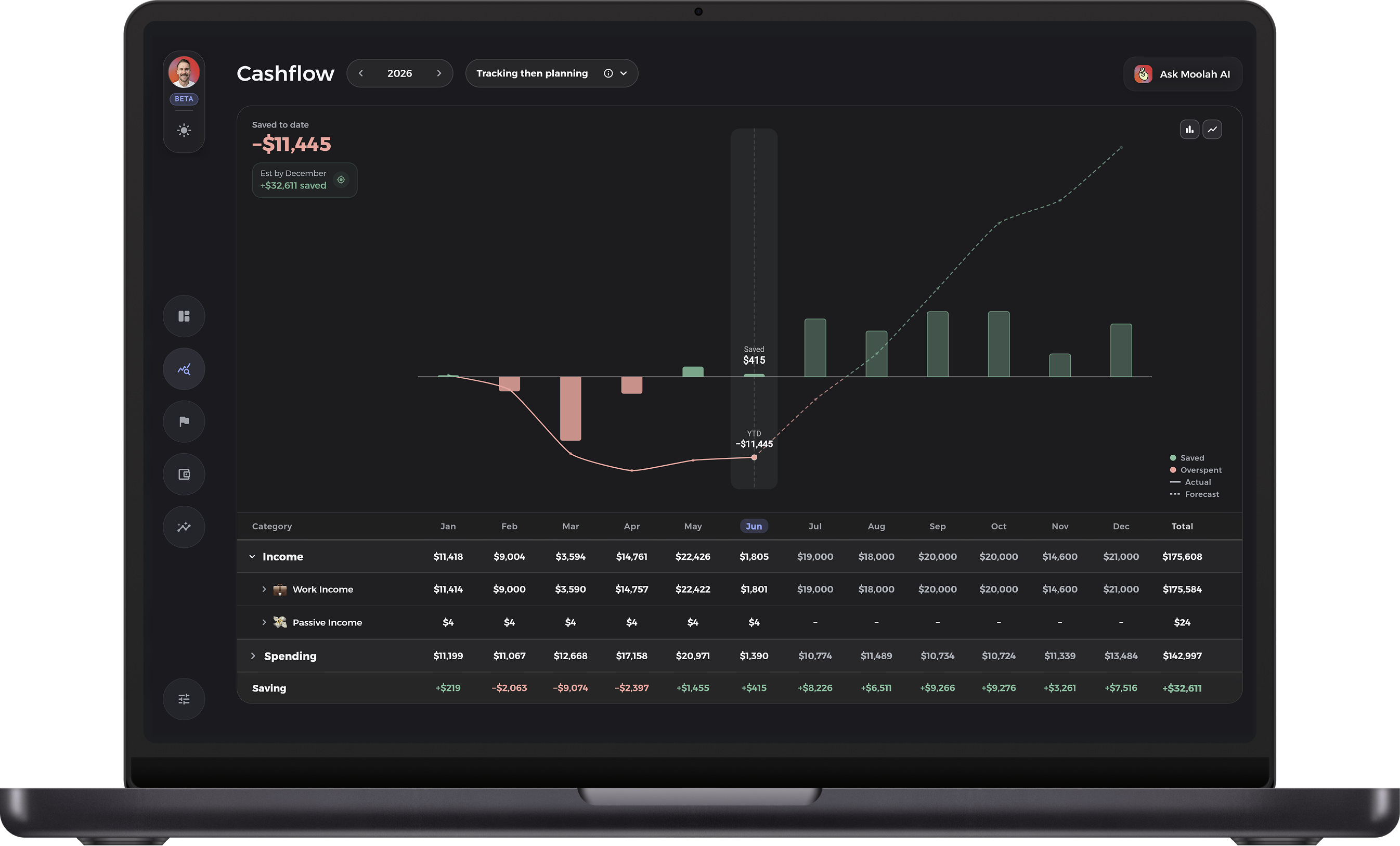
💻 Desktop app
Use the new desktop workspace for richer planning, wider views and the same account picture on a larger screen.
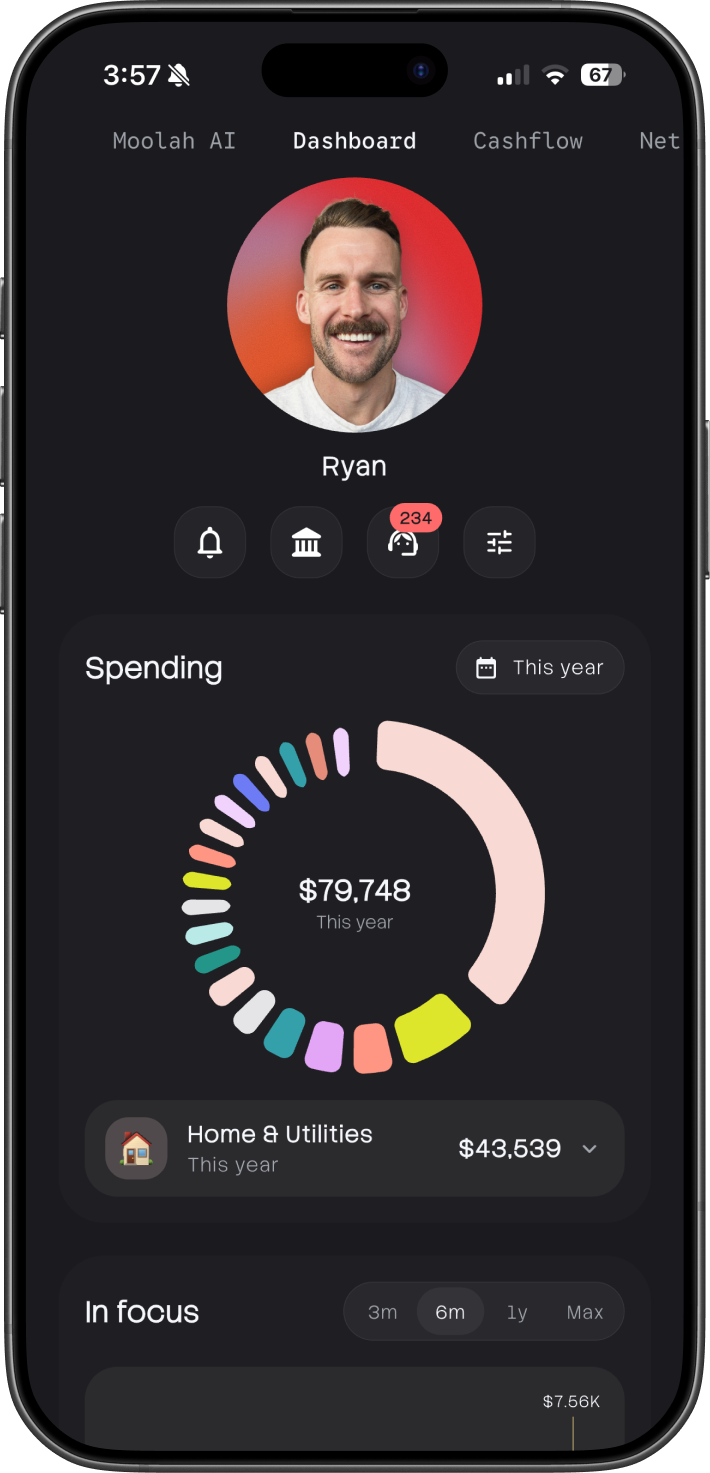
A cleaner planning workspace, faster sign in, stronger sync and a beta area for the next wave of Moolah tools.
Beta gives users a controlled place to try features early, send feedback and help shape the next Moolah workflows before they become default.
Use the new desktop workspace for richer planning, wider views and the same account picture on a larger screen.
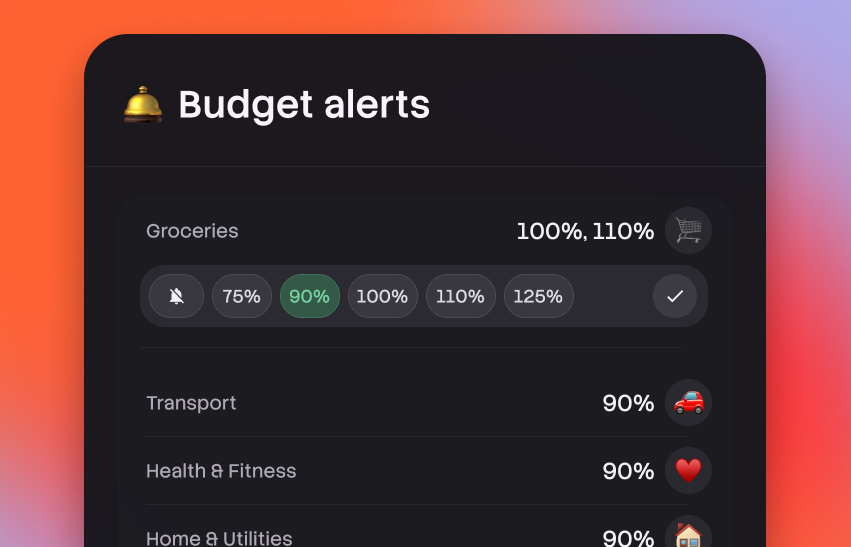
Opt in to push alerts when a budget category crosses a chosen percentage threshold.
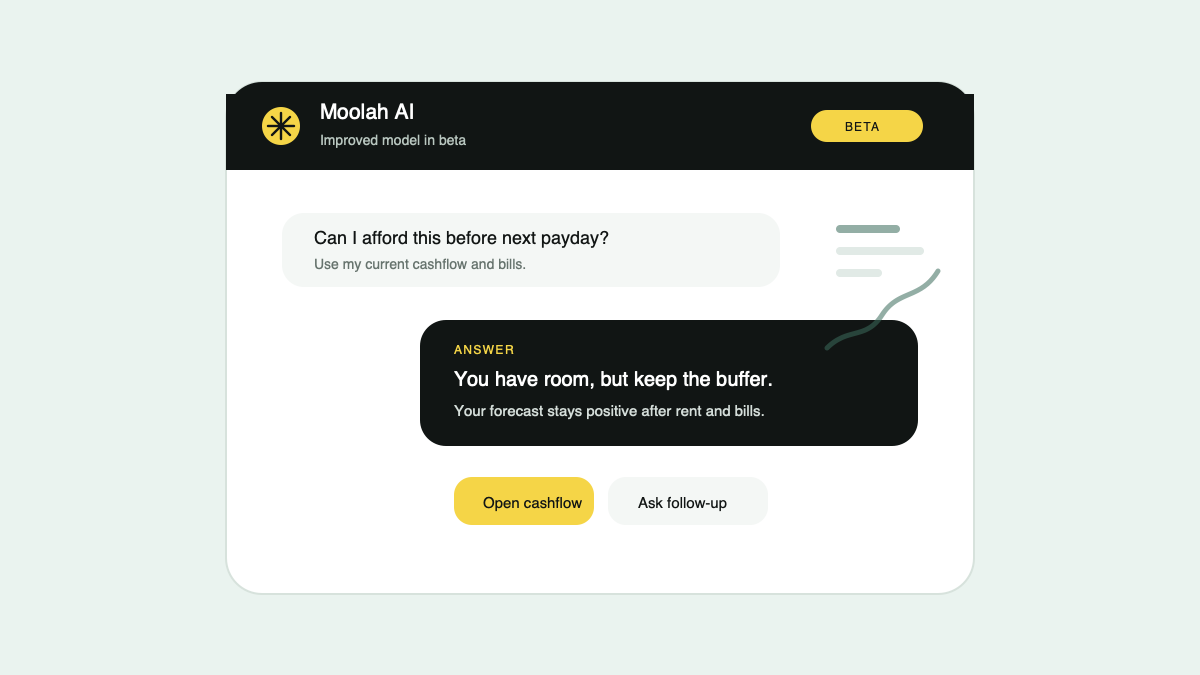
A Claude-powered Agent with deeper reasoning and a broader toolset for insights, decisions and in-app actions.
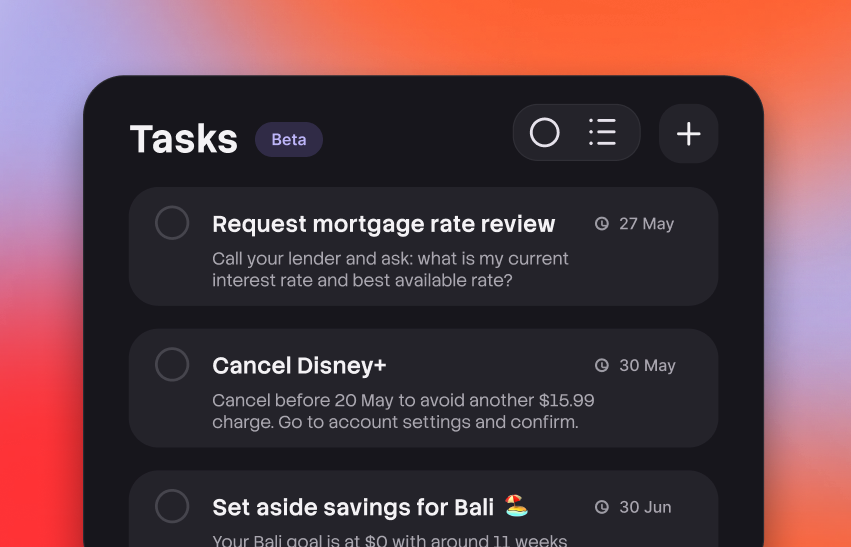
Keep action items close to the plan, with Agent able to create focused next steps while working through money decisions.
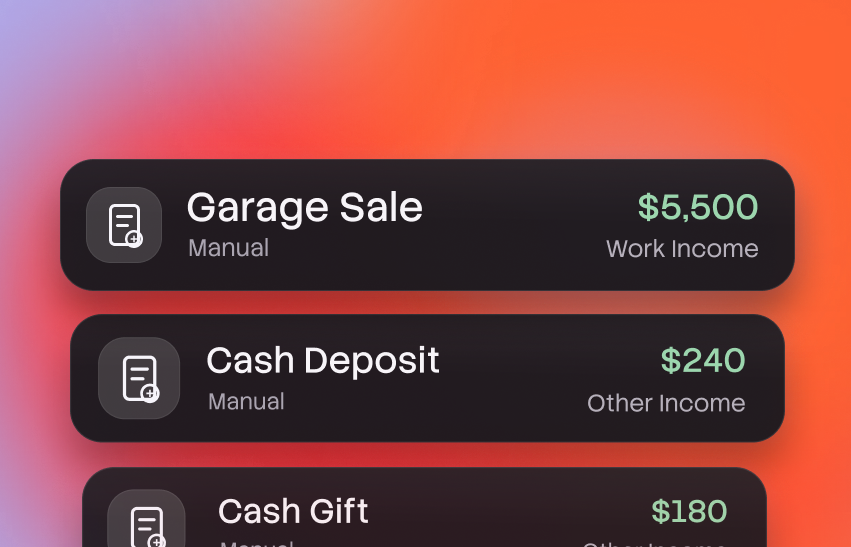
Add cash movements that do not come from bank sync, then keep them in the same planning flow.
The main release is focused on reliability, consistency and giving users more control over the way they read their plan.
Cashflow and net worth cards and charts can now be customised and saved, so the app opens back into the view that makes sense for each household.
Mobile and desktop now keep data moving together, with mobile syncing around every 30 seconds and desktop around every 60 seconds.
Constant sync hydration keeps core data warmer in the background, so sign-in has less to rebuild and gets users into Moolah faster.
We removed heavier interface work from older Android paths to reduce jamming on lower-powered devices.